Features

Everything after go-live.

What Railyard does after your app is live. Every item on this page is available today.

Releases

Releases and rollbacks.

A release takes traffic only after its health check passes. If it fails, the old version keeps serving.

  • Canary deploys: send a percentage of traffic to the new release, watch its error rate and p95, then promote or roll back
  • Deploy windows and scheduled deploys: pushes outside the window wait until it opens
  • Approval gates: a deployer's release waits for an admin to approve it
  • Rollback to any release, with that release's variables put back too
  • Deploy with a plain git push to a Railyard remote. Strict pushes reject a push whose build fails, so the branch never moves to a broken commit
  • Image watch: an app running a registry image redeploys when the tag gets a new digest

Deploying from a repository →

  1. git push
  2. Build
  3. Release
  4. Health check
  5. Kept v1
1/5You push a commit. v1 keeps serving your users.2/5v2 builds next to it. Nothing changes for traffic.3/5The release command runs before v2 can take traffic.4/5v2 fails its health check.5/5Nothing was swapped. v1 never stopped serving.

Databases

Managed databases.

Postgres, MySQL, Redis, MongoDB, ClickHouse, Elasticsearch, InfluxDB, RabbitMQ, Memcached and S3-compatible object storage. Railyard provisions them on your servers and injects the connection strings.
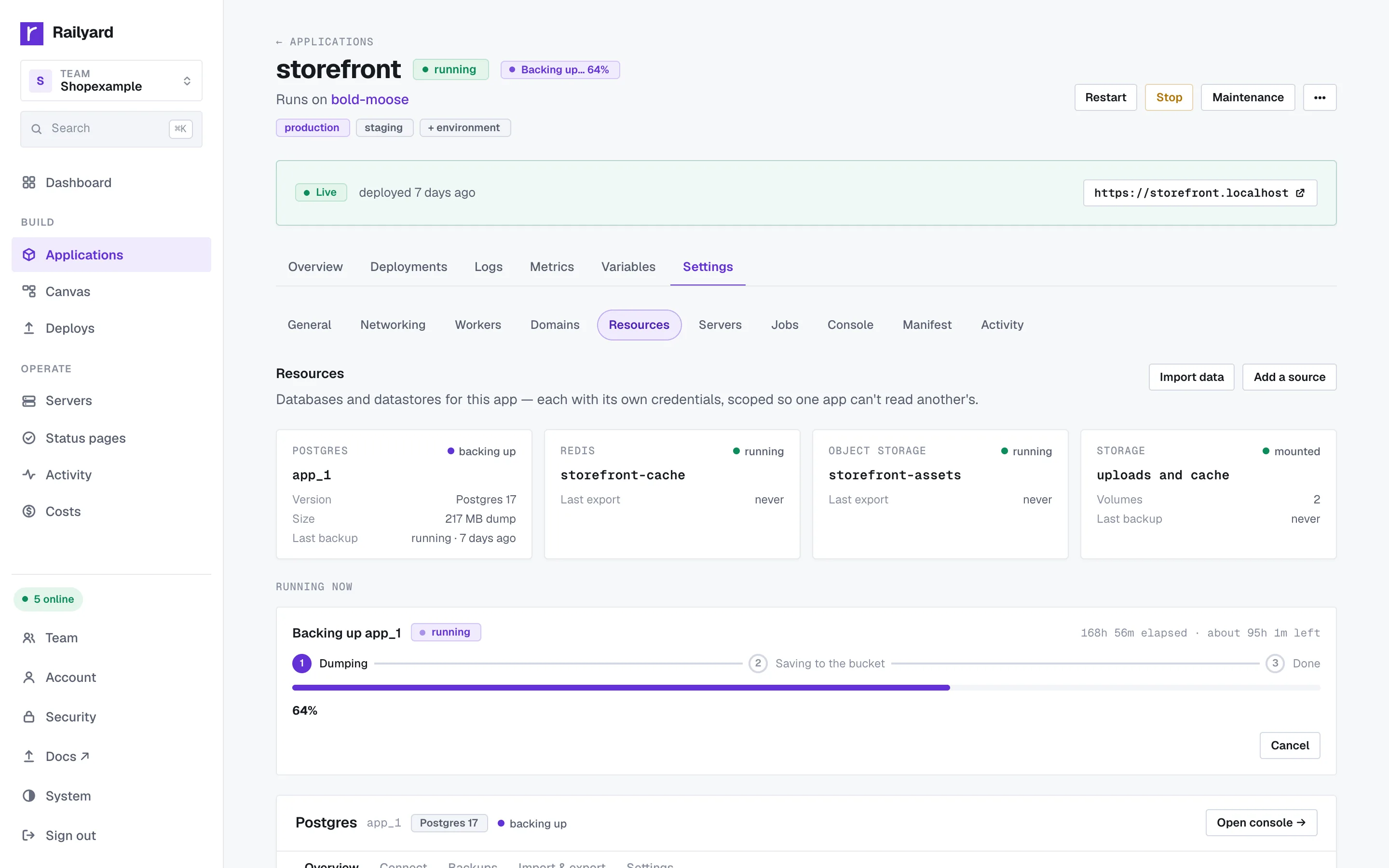
  • Dedicated database servers with streaming standbys you can promote
  • PgBouncer connection pooling, one click per database server
  • Postgres major-version upgrades with a compatibility check first and a rollback after
  • Database forks for staging, with SQL masking for personal data
  • Scheduled backups, a verifier that restores them, and point-in-time restore
  • A SQL console, consoles for the other add-ons, and a file browser for object storage
  • Server snapshots on providers that support them

Databases and backups →

Managed databases.

Logs and metrics

Logs, metrics and alerts.

Build and app output streams live, tagged by process. Search back through it and save the searches you run every week.
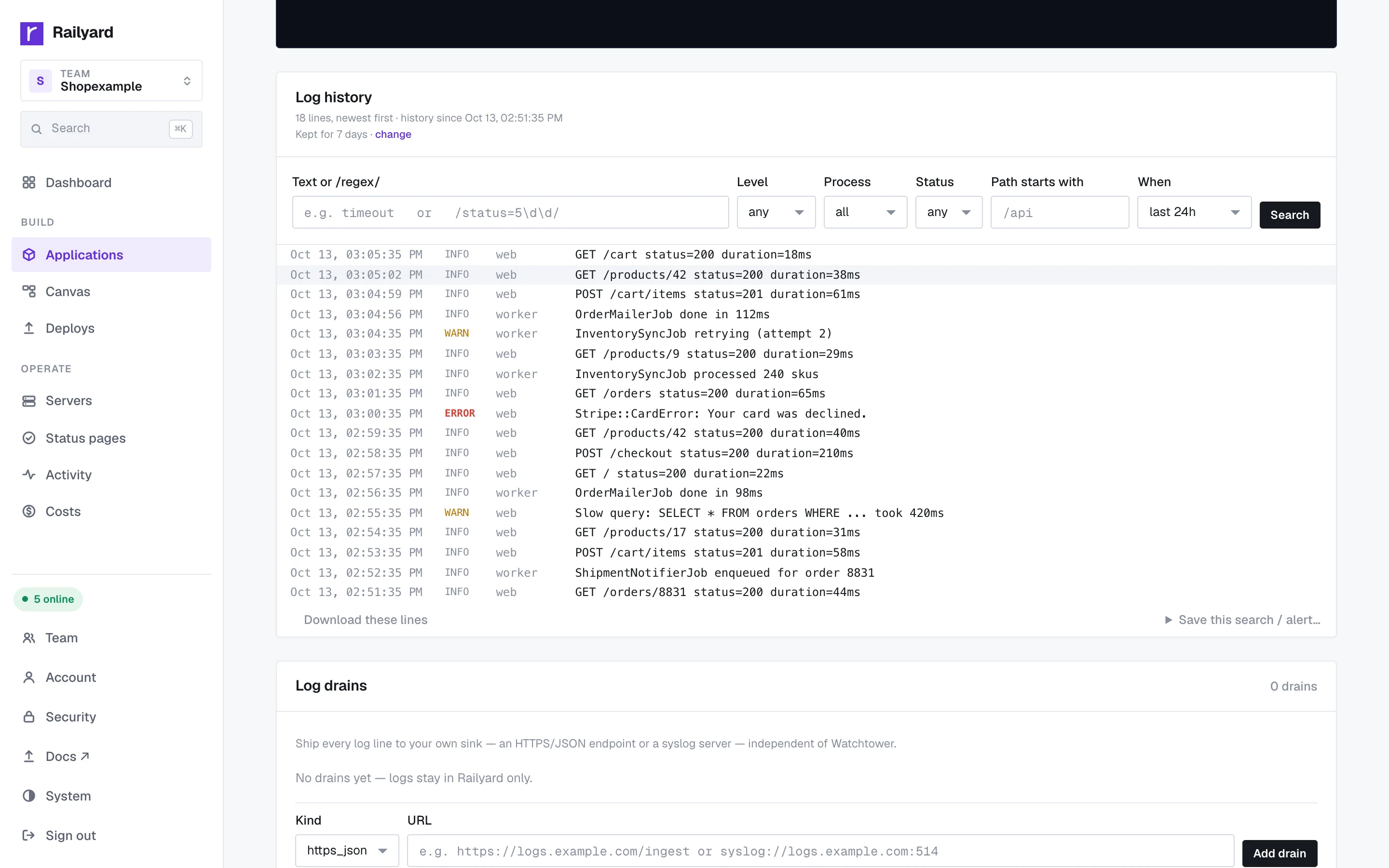
  • Log drains to any HTTPS endpoint (JSON) or syslog server
  • OpenTelemetry export over HTTP or gRPC, tagged with the running commit
  • Metric alerts on p95 response time, 5xx rate, memory or CPU
  • Access logs from the edge, per app
  • A job queue view for Sidekiq, Solid Queue, GoodJob, Resque and Delayed Job, with retry and discard for failed jobs
Logs, metrics and alerts.

Domains and HTTPS

Domains, HTTPS and edge rules.

Automatic HTTPS for every domain, renewed for you. Bring your own certificate when you need to.
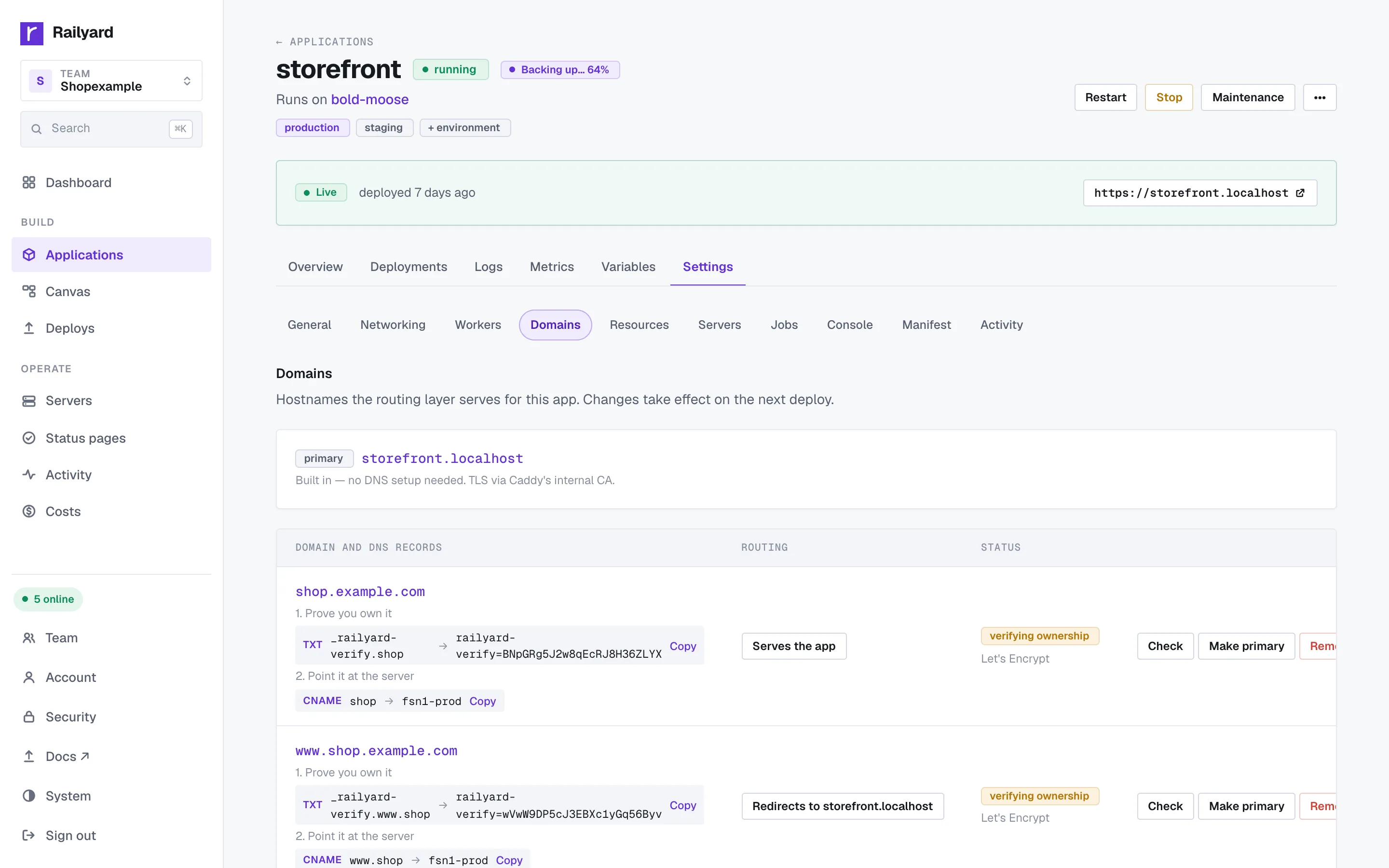
  • Custom domains with a DNS check, and redirects from one host to another
  • Rate limits and country allow or block lists (beta)
  • Redirect and rewrite rules, response headers and CORS
  • Your own maintenance and error pages
  • Path routing: send /api on one hostname to a different app
  • A TCP proxy to reach a database from outside, locked to the IPs you trust
  • Web processes on several servers behind the same domain

Domains and HTTPS →

Domains, HTTPS and edge rules.

Operations

Scaling and operations.

Scale, sleep, move and inspect your running apps.
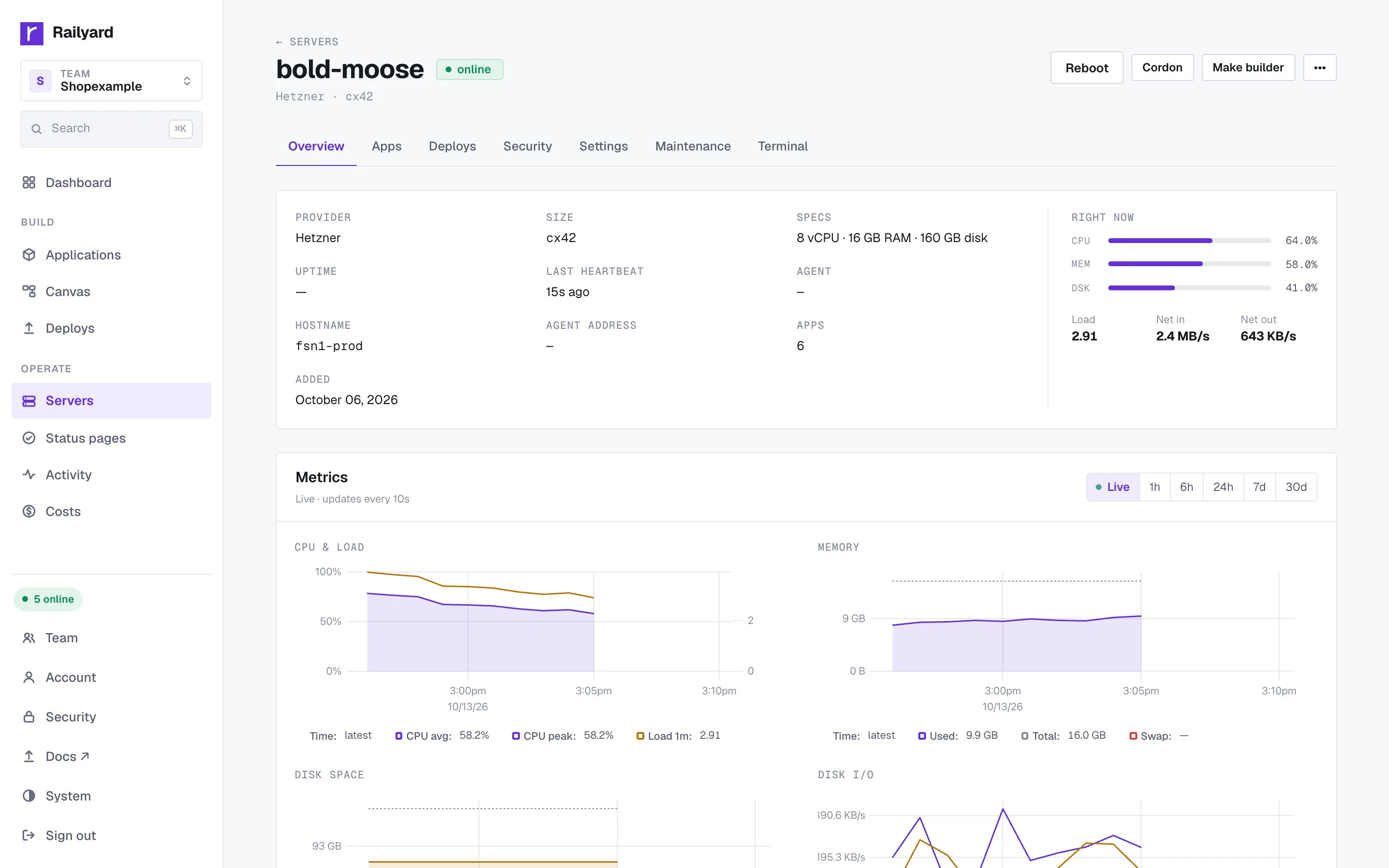
  • Autoscaling between a floor and a ceiling on p95 latency, CPU or memory
  • Sleep when idle, wake on the next request
  • Move an app to another server or hand it to another team
  • Promote a release from staging to production
  • A shell in the running container, from the browser
  • Crash-loop protection: a process that keeps dying is paused, not restarted forever

Workers and cron →

Scaling and operations.

Teams

Teams, roles and audit log.

Owner, admin, deployer and viewer, each with the permissions of the role below it.
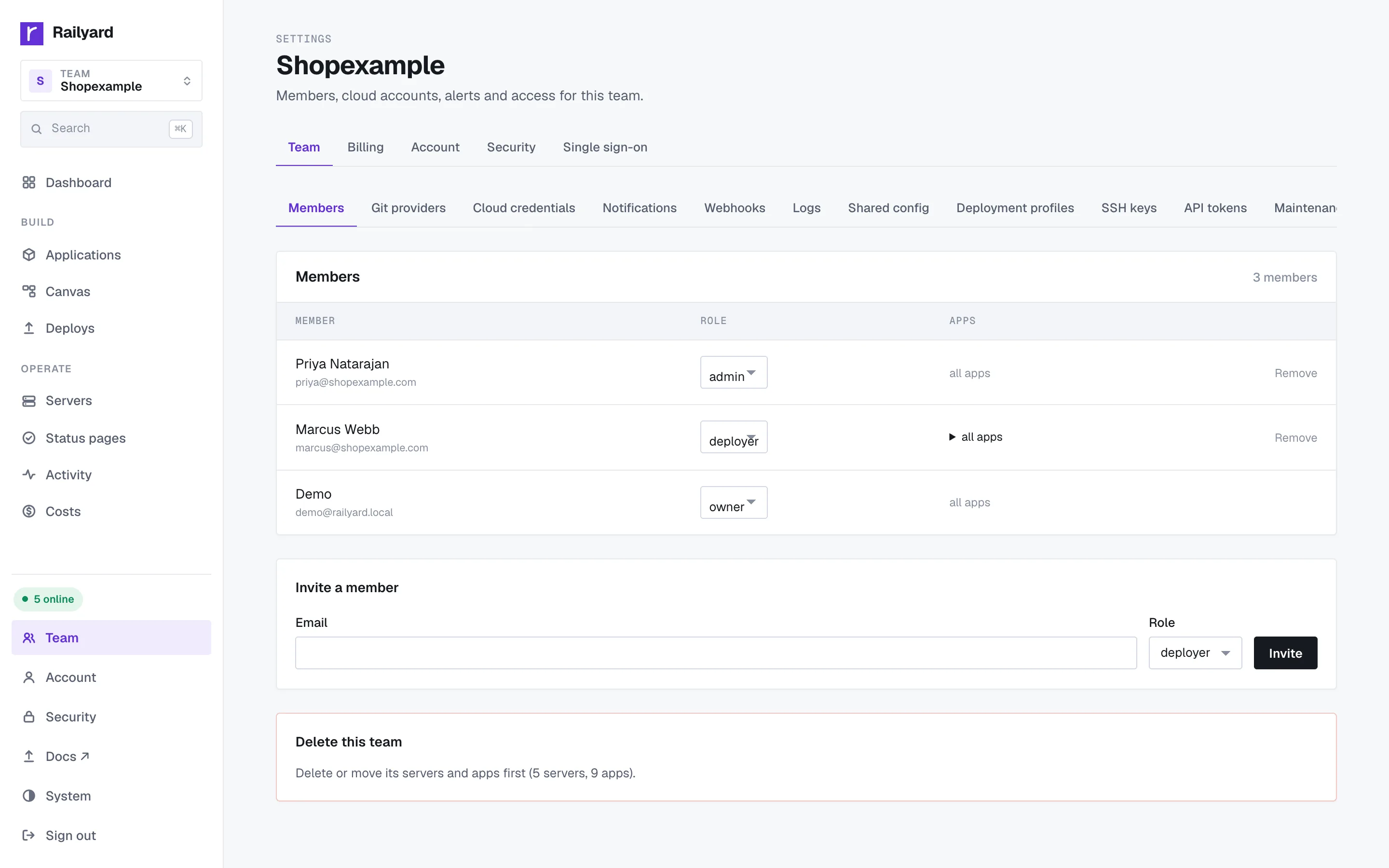
  • Two-factor sign-in with backup codes
  • Single sign-on over OIDC or SAML, with SCIM to add and remove members
  • An audit log of every deploy, change and shell session, exportable as CSV
  • Team SSH keys, installed on every server and removed when a member leaves
  • Notifications to Slack, email or signed webhooks

How Railyard is secured →

Teams, roles and audit log.

Costs

Cloud cost scan.

A scan of your cloud accounts finds leftover servers, disks and IPs, and servers bigger than their load needs.
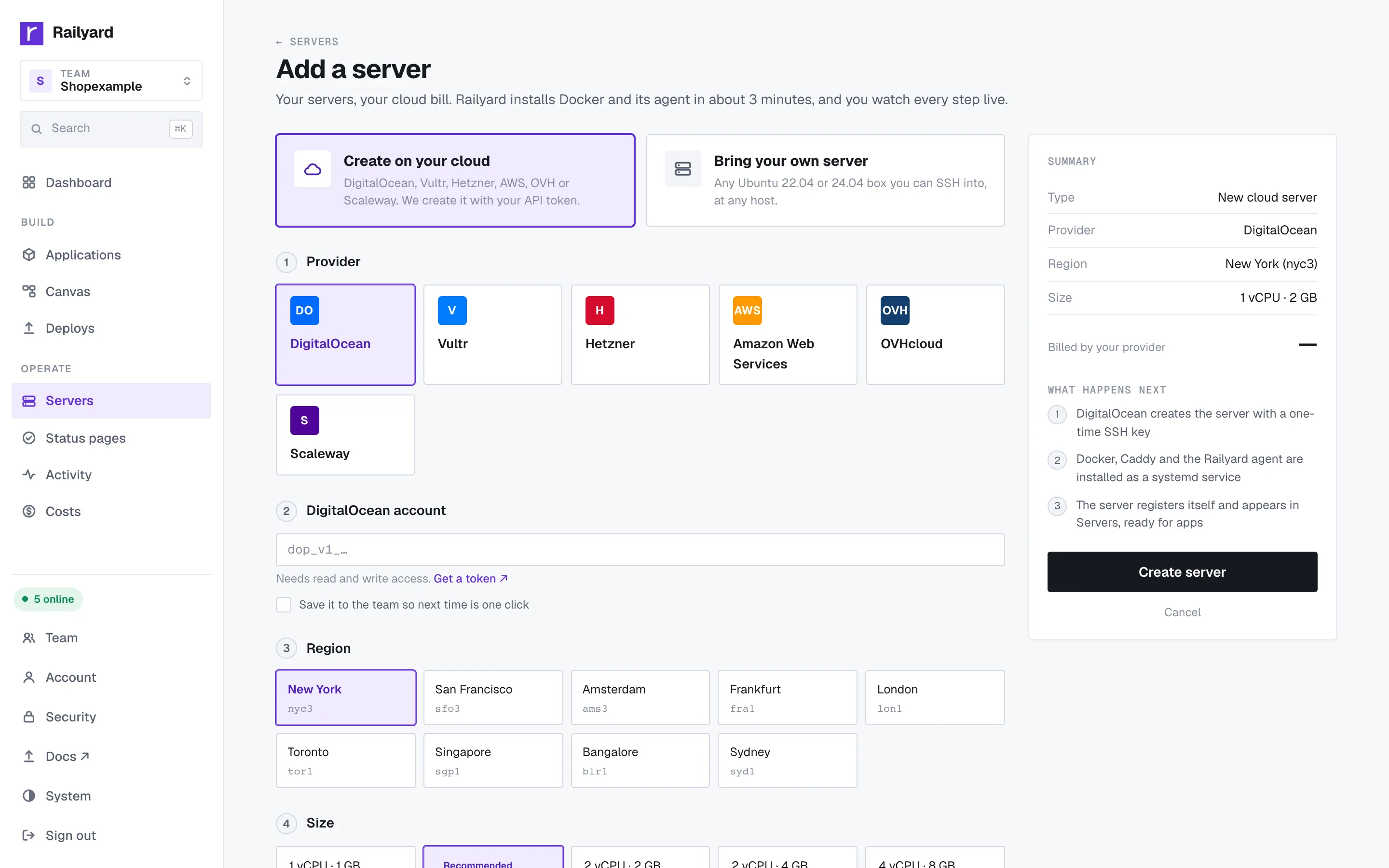
  • Monthly spend per server, from your provider's own numbers
  • Apply a saving from the same page, such as resizing an oversized server
  • A budget for the team, with the scan run daily
Cloud cost scan.

More

Also included.

See what changed recently in the changelog.

The canvas

Your project as a picture: services, databases and the links between them. Edit and deploy from it, and see who else on the team is looking.

Read more →

Project templates

Publish a whole project, services and variables included, as a template your team deploys from its own link.

A preview per pull request

Each PR gets its own copy with its own URL and a comment on the PR, torn down when it closes.

Read more →

Public status pages

90-day uptime from checks that run every minute, plus incidents you post and update.

Around 200 templates

One-click apps from Gitea to Plausible, with their databases and volumes set up.

Read more →

A Deploy button

A README badge that opens a prefilled deploy of your repository.

Read more →

A CLI

Deploy, tail logs, run one-off commands, roll back and manage variables from a terminal.

Read more →

MCP for coding agents

Claude Code, Cursor or any MCP client can deploy and read logs with a scoped token. Destructive actions wait for a human.

Read more →

Import from another platform

Processes, variables, databases with their data, and domains. Railway is verified; Heroku, Render and Fly are in beta.

Read more →

Rails with zero config

Workers found in your repo, a volume for Active Storage, asset builds that work, and every database in database.yml.

Read more →

Any way it builds

Dockerfile, Railpack, Cloud Native Buildpacks, Nixpacks or a prebuilt image, with an optional build server.

Read more →

Why it failed

A failed deploy names the cause in plain language and links the fix.

Read more →

Deploy your first app on a server you own.

Attach a machine with a host, a user and an SSH key, or let Railyard create one in your cloud account. It installs the rest and watches it come online.

Free plan, no card, and 14 days of Pro for every new team. One flat price per team.